Loopetize
A downloadable tool for Windows and macOS
Make your game music loop seamlessly.
Loopetize sets loop points in your music and writes them into the exported file. Drop the OGG into your RPG Maker MZ project and the track loops on its own: no plugin, no script, no hand-typed sample numbers.
HOW IT WORKS
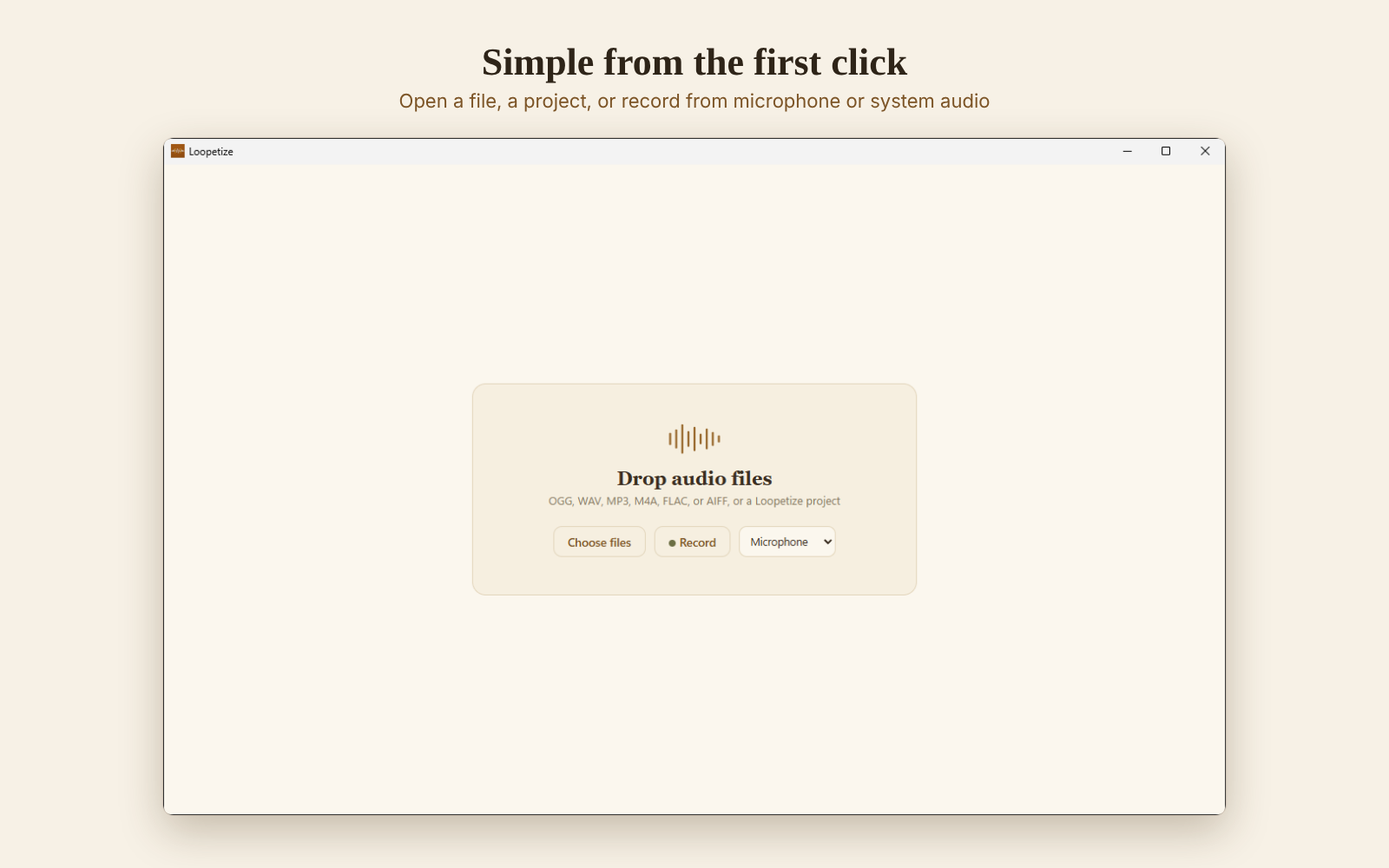
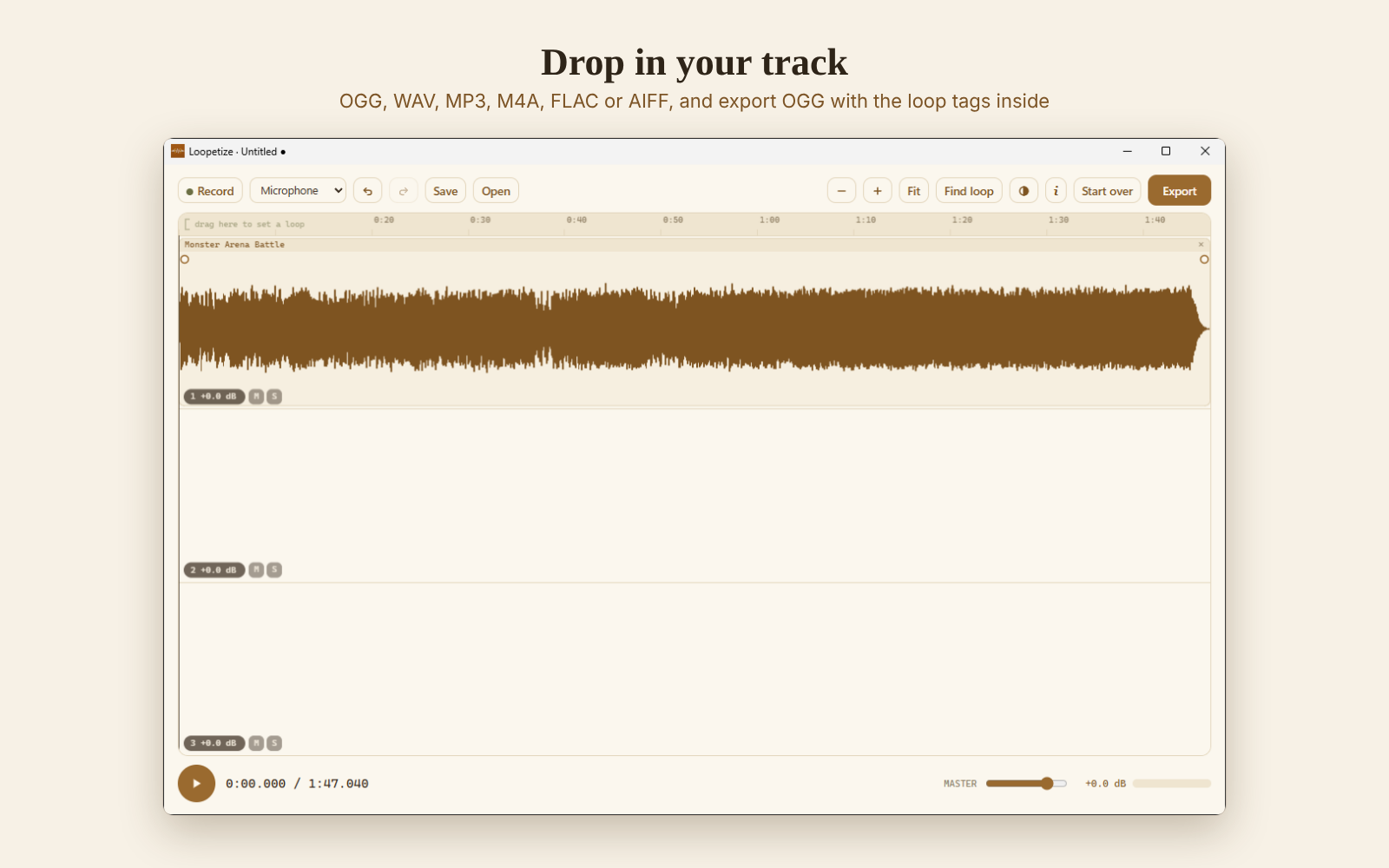
- Drop in your track (OGG, WAV, MP3, M4A, FLAC or AIFF).
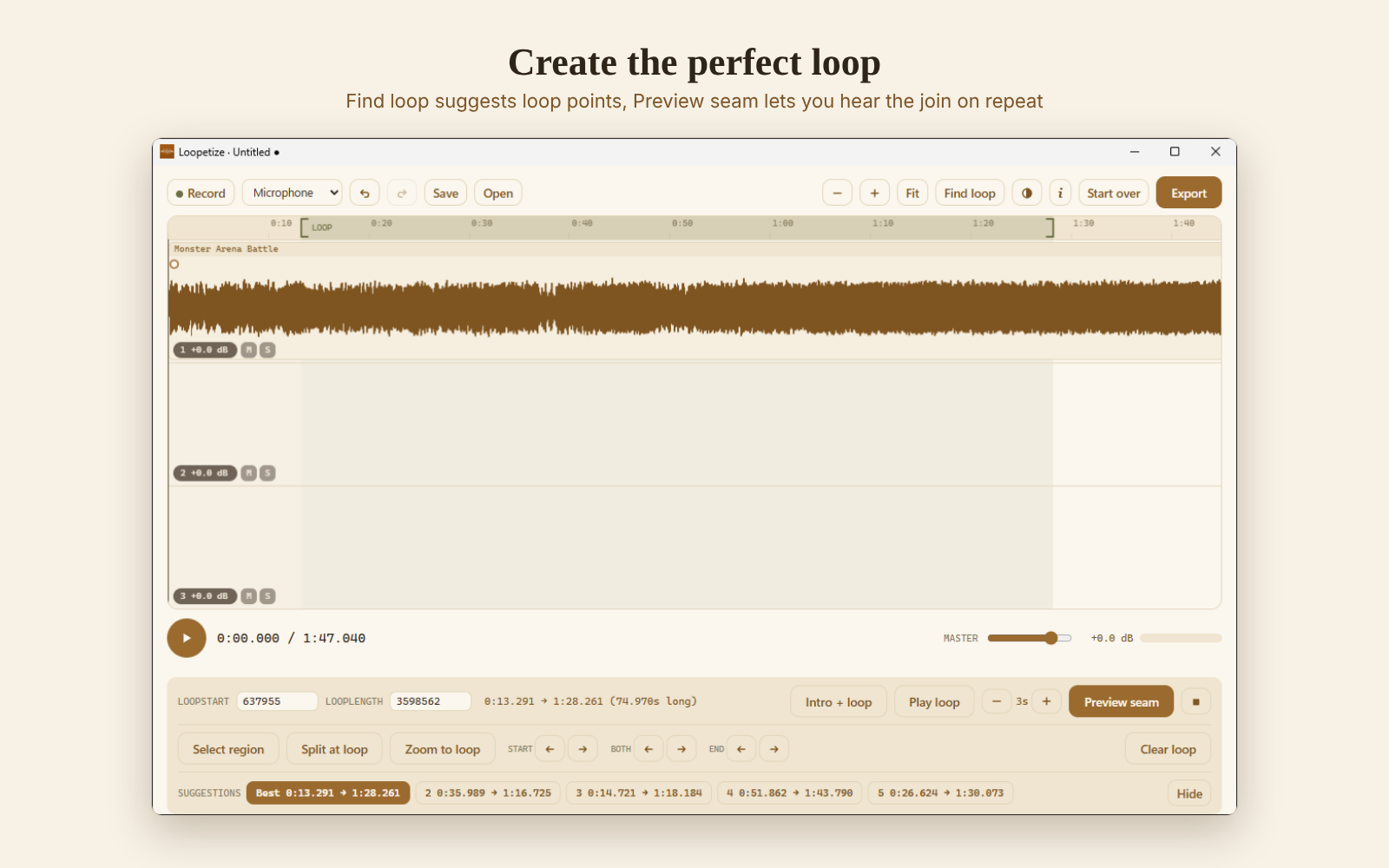
- Drag on the ruler to set a loop, or click Find loop for suggestions.
- Press Preview seam to hear the jump from loop end back to loop start, over and over.
- Fine-tune with the arrow buttons. Every edit snaps to where the waveforms join cleanly, so no click or bump at the seam.
- Export as OGG. LOOPSTART and LOOPLENGTH travel inside the file.
SET THE LOOP BY HAND
- Drag along the ruler at the top from where the loop should start to where it should end.
- Press Preview seam (Shift + Space). Loopetize plays the last seconds before the loop end and jumps straight back to the loop start, on repeat, so you hear only the moment that matters.
- Change how much you hear around the seam, from 0.2 to 15 seconds: short to catch a click, long to judge the musical flow.
- While it keeps playing, move the loop start, the loop end or both with the arrow buttons. Hold an arrow to keep moving. Every change is heard right away, and each edit snaps to where the waveforms join cleanly.
- Happy? Press Intro + loop to hear the whole track the way the player will, then export.
FIND LOOP (SUGGESTIONS)
Not sure where to start? Find loop listens to the music and suggests up to five loop points, the best one already set. It works well on many tracks and gives you a quick starting point, but music is varied: always check the result with Preview seam, and pick another suggestion or adjust by hand when it doesn't fit.
ALSO INSIDE
- Intro + loop playback: hear the track exactly as the player will
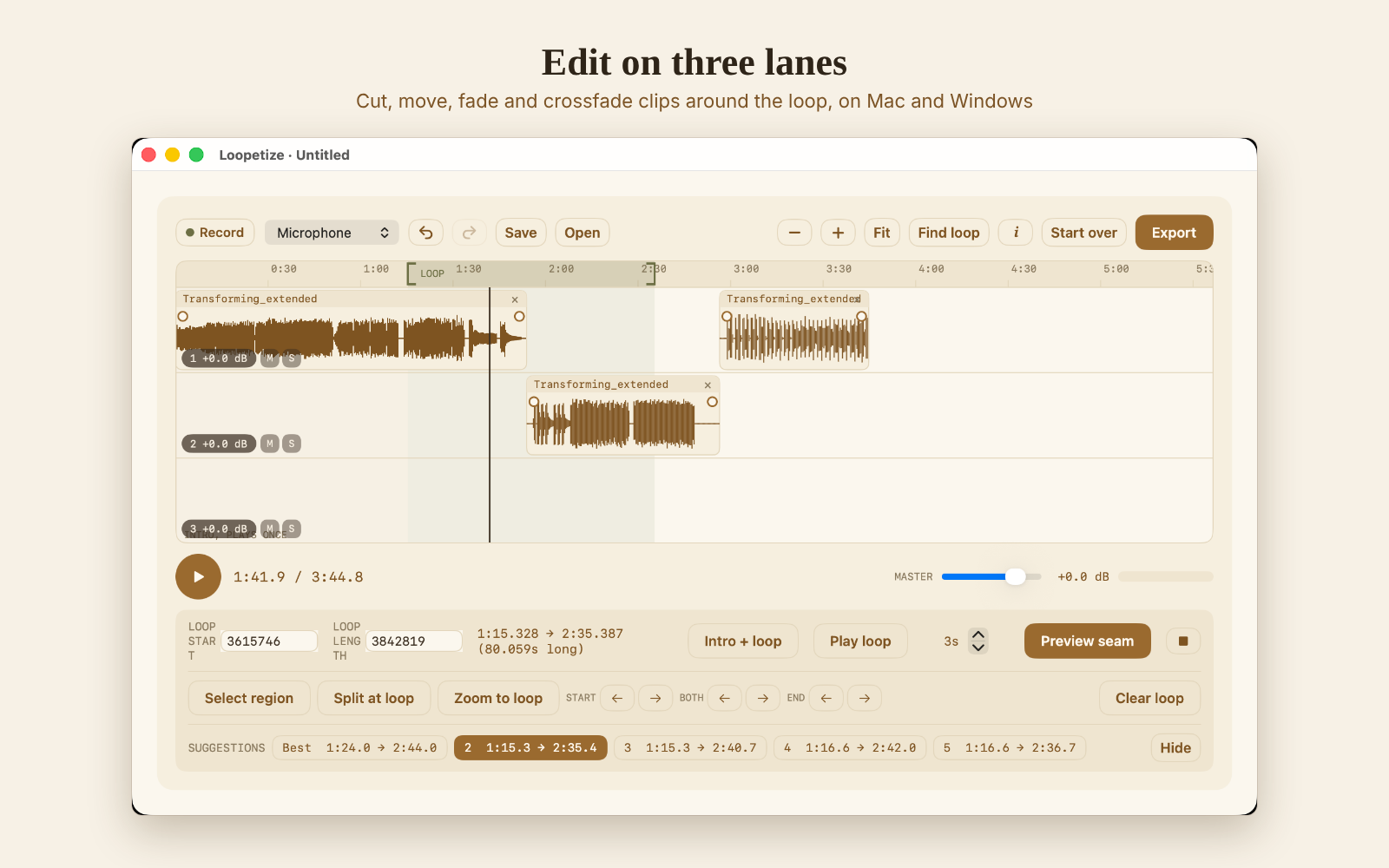
- Cut, copy, paste, split, fades and crossfades on three lanes
- Volume, normalize, speed and pitch, effects
- Record from microphone or system audio
- Projects that open on both Windows and Mac
- Light and dark mode, tooltips with shortcuts on every button
PRIVATE AND OFFLINE
Everything runs on your computer. No account, no internet connection, no data collected.
COMPATIBILITY
Tested: RPG Maker MZ, Windows 11, Mac with Apple silicon.
Should work, not tested yet: RPG Maker MV (reads the same loop tags), Windows 10 (64-bit), Intel Macs, macOS 13 Ventura or later.
DOWNLOADS
- Windows: installer or portable version. Windows may show a SmartScreen warning the first time because the app is new: click "More info", then "Run anyway".
- macOS: signed and notarised DMG, drag to Applications.
- Getting Started guide (PDF) with step-by-step instructions.
One purchase, both platforms, all 1.x updates included.
SUPPORT
Questions, ideas or a track that won't loop cleanly? Leave a comment below, so others can find the answer too.
For anything private, like a problem with your purchase, see the support page.
Purchase
In order to download this tool you must purchase it at or above the minimum price of $10 USD. You will get access to the following files:
Development log
- Loopetize 1.0.0 is out20 days ago
Leave a comment
Log in with itch.io to leave a comment.